Setup user authentication
Overview
Starting from version 8.0.0, users information are stored in SQLite database.
To be able to sign in into Bacula-Web, you'll need to create the first user
The users database is stored in <install folder>/application/assets/protected/application.db
User creation
$ cd /var/www/html/bacula-web
- On Red Hat / Centos / Fedora
- On Debian / Ubuntu
$ sudo -u apache php bwc setupauth
$ sudo -u www-data php bwc setupauth
Answer the questions, and if everything goes fine, you should be able to sign in
The user password must be at least 8 characters long
Reset user password
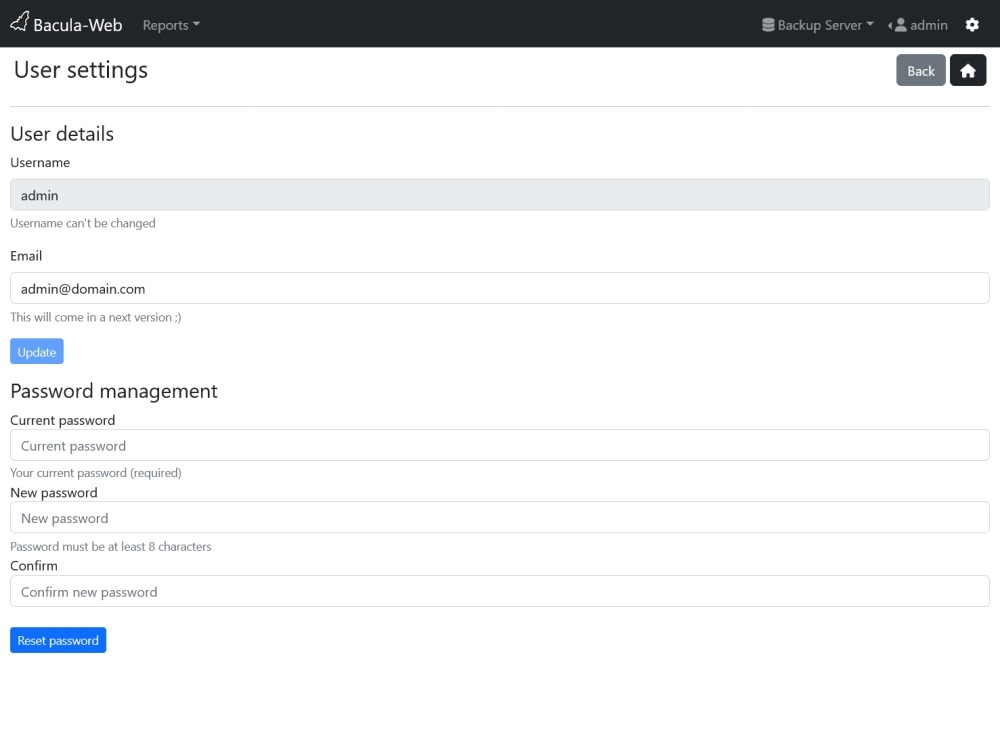
The password can be changed very easily by using the User settings menu at the top of the page.
Simply use Password management form to reset current user password
Manage users
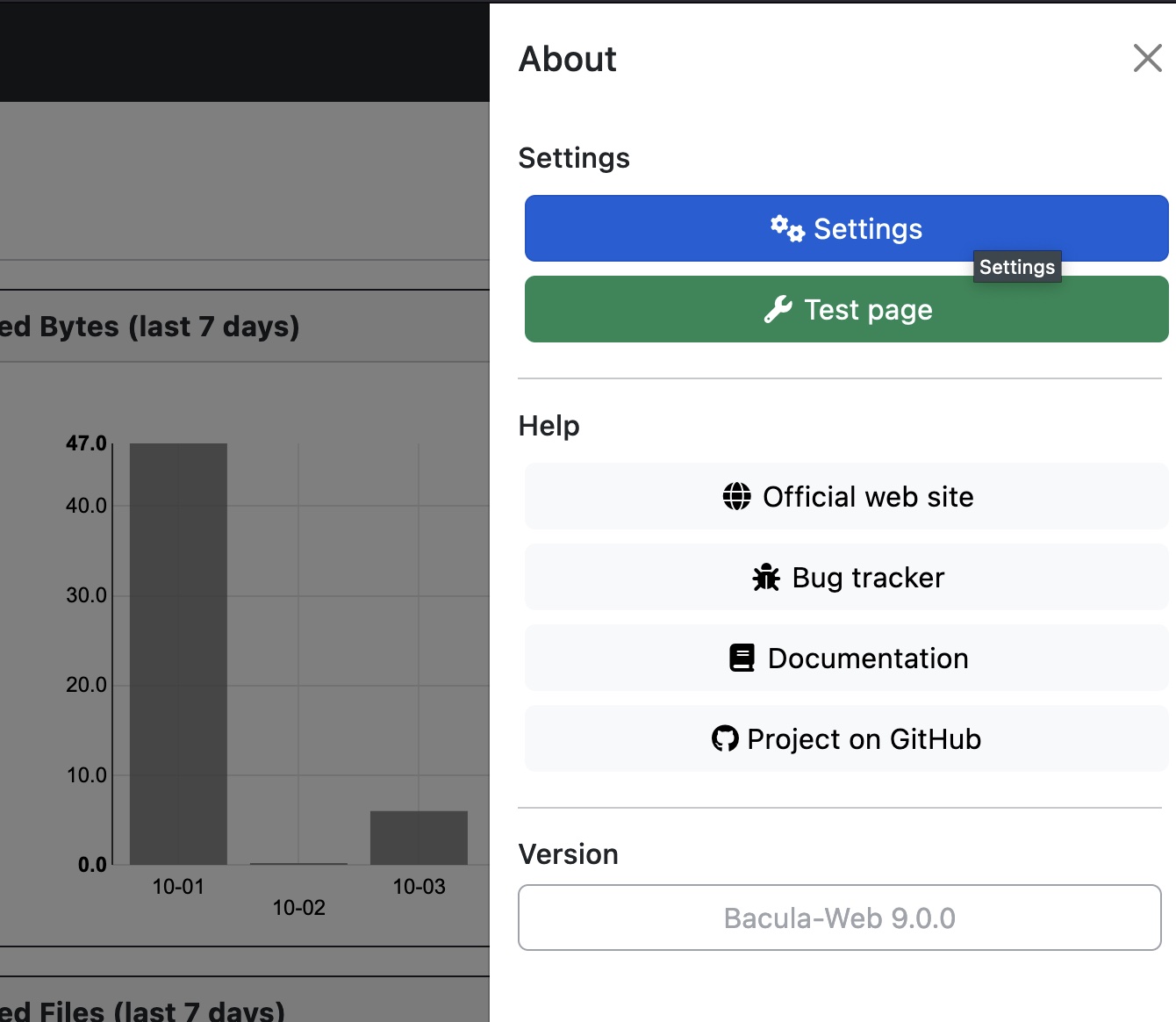
You can manage users from the Settings menu in the dropdown menu.
To add more users, simply use the Add user form at the bottom of the page (password must be at least 8 characters long).
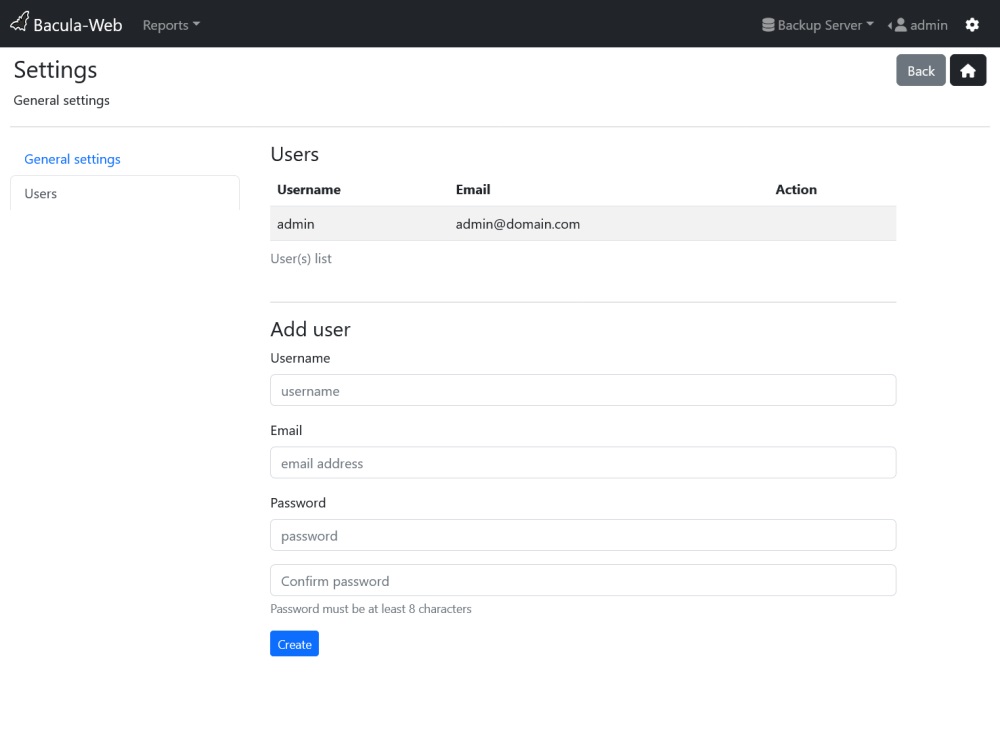
User's email address is not used for the moment, but it will in a future version